MCP Apps
Weather by WindBorne adds interactive WeatherMesh forecasts and maps to supported AI assistants. It is available only where WindBorne has published it in an app or connector directory.
No WindBorne account or API key is required. For API tools and documentation, see Model Context Protocol (MCP).
Get started
-
Find the app
Open your AI assistant's app or connector directory and select Weather by WindBorne.
-
Add it to your chat
Select Add or Connect and follow the on-screen steps.
-
Ask a weather question
Ask in natural language. Try “When is the best time to hike in Yosemite this weekend?”
The tools are read-only and cover today plus the next 13 local days.
Weather Summary
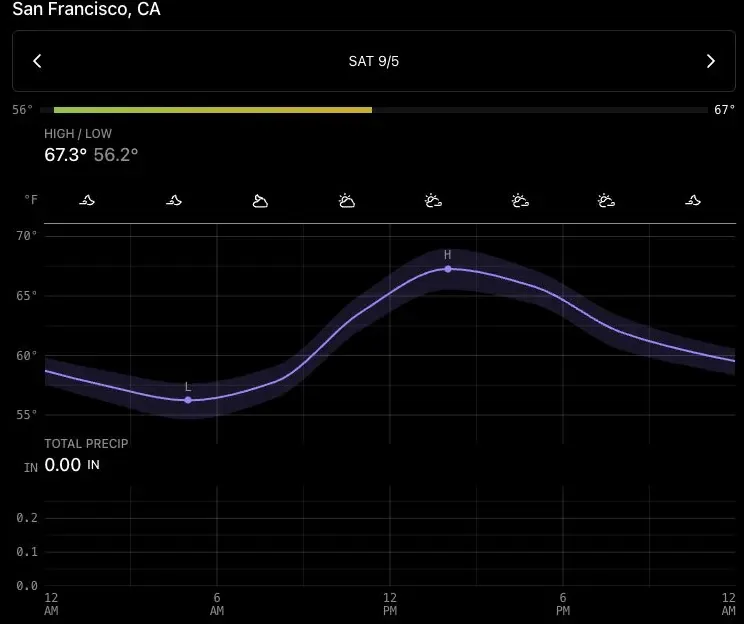
get_weather_summary shows conditions, temperature, and precipitation for one place and day.
Variable Forecast
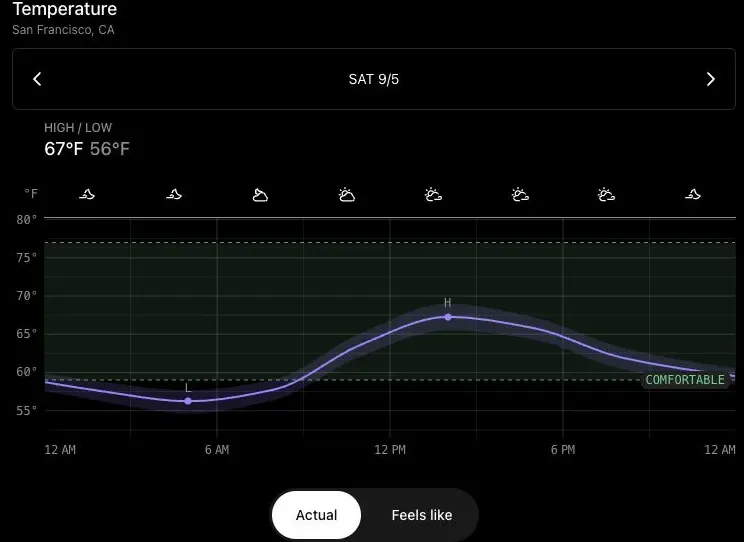
get_variable_forecast explores one forecast variable in detail for one place.
Weather Comparison
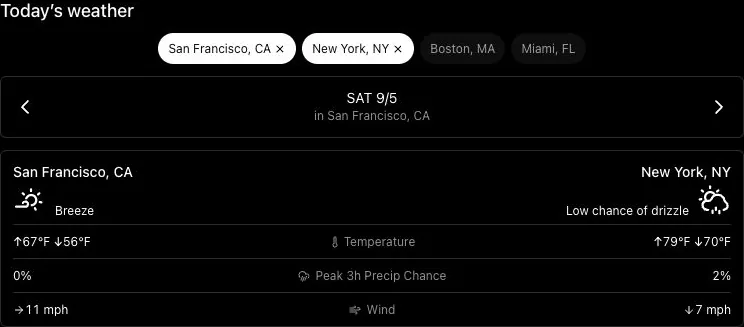
get_weather_comparison compares conditions across two to four places.
Weather Windows
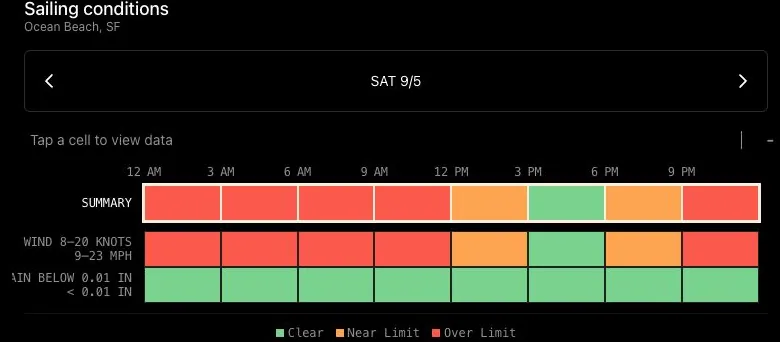
find_weather_windows rates three-hour windows against the limits for an activity or plan.
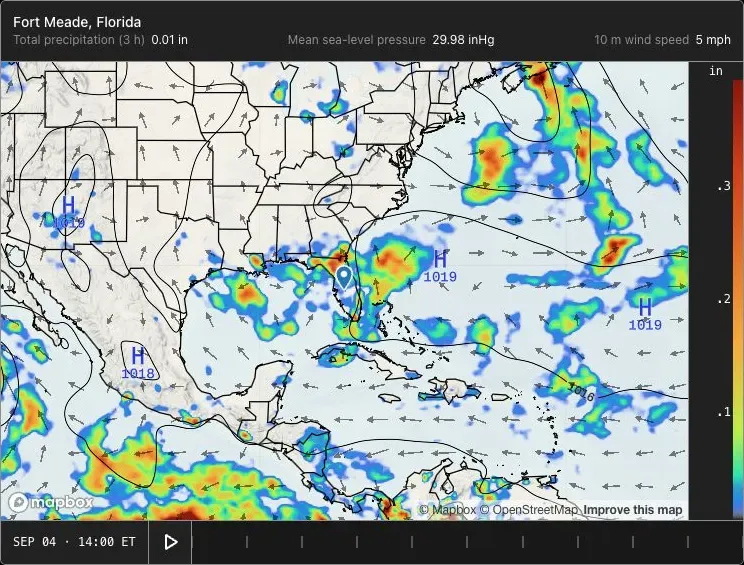
Weather Map
get_weather_map shows an animated regional forecast map with curated weather layers.
For help, contact [email protected].